
Nothing is sent
until you say so.

LifeLink helps you write to family, keep track of appointments, and check texts or letters that seem suspicious. You read each message in full before you approve it.

Claude Monet, Cliff Walk at Pourville: two figures on a flowered clifftop above a bright sea with sailboats.

Claude Monet, Cliff Walk at Pourville, 1882.

To Sam Rivera · iMessageVersion 2

Hi Sam, could you drive me to Dr. Patel on Tuesday, October 27? I need to be there by 10:30 AM. Thank you! Ruth

Not sent yet

What happens
after you ask

Here is one ride request from start to finish. Each step is named in plain words, so you always know what has happened and what hasn’t.

A ride to Dr. Patel

Example times

Monday morning

  1. You ask for a ride9:02 AM
  2. LifeLink writes the message9:02 AM
  3. You change a word and approve version 29:05 AM
  4. Sent to Sam by iMessage9:05 AM

Monday afternoon

  1. Sam replies: “Of course, 9:45?”1:40 PM
  2. You confirm the pickup time1:52 PM

Tuesday, October 27

  1. Reminder: Sam arrives at 9:459:15 AM
  2. Appointment with Dr. Patel10:30 AM

You approved twice. Nothing else was sent.Done

Not sure a message is real?

Paste a text, choose an email, photograph a letter, or check a call on speakerphone. LifeLink points out the warning signs and suggests a safe next step. It never tells you a message is safe.

Scam checkExample

Your parcel is waiting. Pay a $1.99 redelivery fee within 30 minutes: parcel-redeliver.co/pay

Be careful with this message.

  • It rushes you: pay within 30 minutes.
  • It asks for a payment through a link.
  • The link isn’t a delivery company’s own site.
A safer next stepOpen your delivery company’s app or website yourself. Don’t use this link.

What LifeLink helps with

Messages to family, appointments and reminders, with large text and read-aloud throughout. Anything that would be sent still waits for you.

Messages to family

Mary Cassatt, The Letter: a woman in a blue patterned dress seals a letter at her writing desk.
Mary Cassatt, The Letter, 1890–91.

Write to family by iMessage, email, Discord or Telegram. Help me understand explains a message you’ve received and suggests replies for you to choose.

Appointments and reminders

Good afternoon, Ruth
Waiting for youConfirm Sam’s 9:45 pickupReview
Coming up
  • 8:00 PMEvening tabletsReminder · today
  • 9:45 AMSam picks you upNot confirmed yet
  • 10:30 AMDr. PatelTuesday, Oct 27

Today opens with what needs you first, then appointments and reminders. Say what to remember and LifeLink writes it down for you to approve.

Read, listen or speak

Édouard Manet, Woman Reading: a woman in a dark coat and hat reads an illustrated journal outdoors.
Édouard Manet, Woman Reading, 1880–82.

Larger text, stronger contrast, captions and a slower reading voice. Speak instead of typing whenever you like. Your settings follow you to every screen.

Everything else
it does

  • Email3 new
    Parcel Delivery ServiceAction needed: your parcel is on holdThis looks like a scam: it asks for payment through a link.
    Ana MorenoLunch on Sunday? Bring the photo album!
    Reply to Ana · draft, not sentSunday sounds lovely. I’ll bring the album. Is 12:30 all right? Love, RuthApprove and send

A quiet game
of solitaire

Klondike with large, clear cards. Tap a card to move it, or play with the keyboard. Undo and a hint are always one press away, and your game is saved on this device, even without the internet.

Play SolitaireNo account needed.

A game of Klondike solitaire in progress. The eight of spades moves onto the nine of hearts.

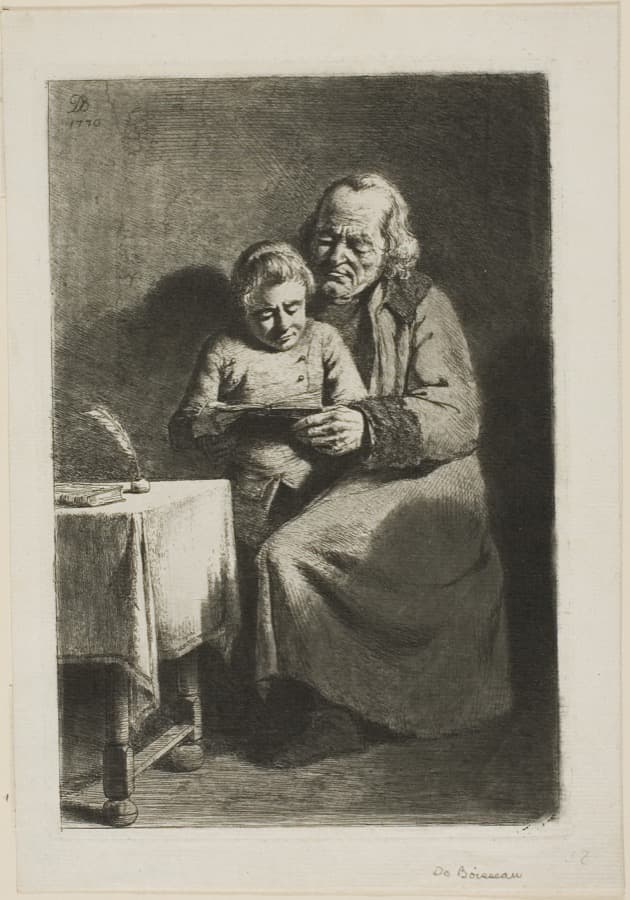
Etching of an old man reading a book with a young boy on his lap, beside a small table.

Jean-Jacques de Boissieu, Old Man with a Boy Reading, 1770.

What LifeLink will never do

We will never send anything you haven’t read and approved. If a message changes after you approve it, we ask you again.

Your family can be close without taking over. You choose what someone you trust can see, such as appointments or rides, and for how long. They can never send, approve or spend for you.

When something is only practice, we say so. When something goes wrong, we tell you what happened, that nothing was lost, and what to do next.

And we will never tell you a message is safe. We show you the warning signs and leave the decision with you.

LifeLinkEveryday help. Your decision.

Change or stop sharing any time, from your Trusted circle.How sharing works
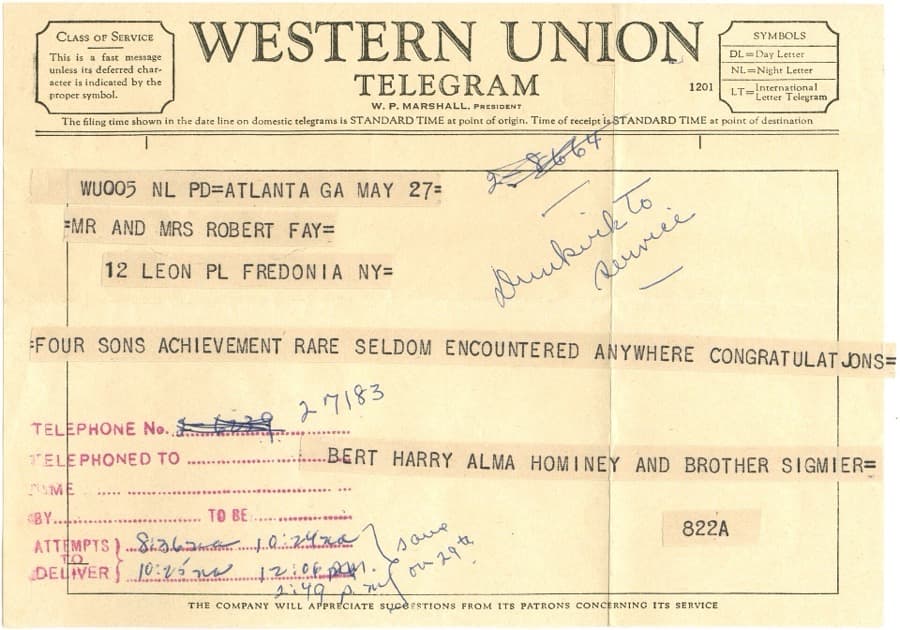
A 1959 Western Union telegram, typed in capitals and stamped with handwritten notes.

A Western Union telegram, 1959. Every word counted, and someone signed for it.

Questions

Answers to what people ask most, all on this page.

Claude Monet, Water Lily Pond: a green footbridge arches over a pond covered in water lilies.

Claude Monet, Water Lily Pond, 1900.

What is Practice mode?
Sample family, email and an appointment, so you can try everything. Nothing real is sent, and every result is labelled Practice.
Can I speak instead of typing?
Yes. Say what you need, and LifeLink can read replies aloud at the speed you choose.
Can my family act for me?
No. They see only what you share, and they can never send, approve or spend for you.
Which accounts can I connect?
Gmail, Outlook and Google Calendar, plus iMessage, Discord and Telegram. Each shows plainly what works and what doesn’t yet.
Does LifeLink order groceries?
No. It keeps your lists, estimates costs and a budget, then lets you copy or print the list to shop yourself.
What if I change a message?
It becomes a new version, and LifeLink asks you to approve that one before anything is sent.
Is “sent” the same as “agreed”?
No. Sent, replied and confirmed are separate steps, and LifeLink tells you which one you’re at, in words.
Can it tell me a message is safe?
It names the warning signs and a safer next step. It never promises that a message is safe.
Does it work without the internet?
Solitaire does, and your game is saved on this device. Messages need a connection.
What if something goes wrong?
You’ll see what happened, that nothing was lost, and what to do next.

Start with
one request

Tell LifeLink what you need, then read the full message before anything is sent. Want to look around first? You can try it with sample messages.

What would you like help with?

Try it with

You’ll create an account. Already have one? Sign in